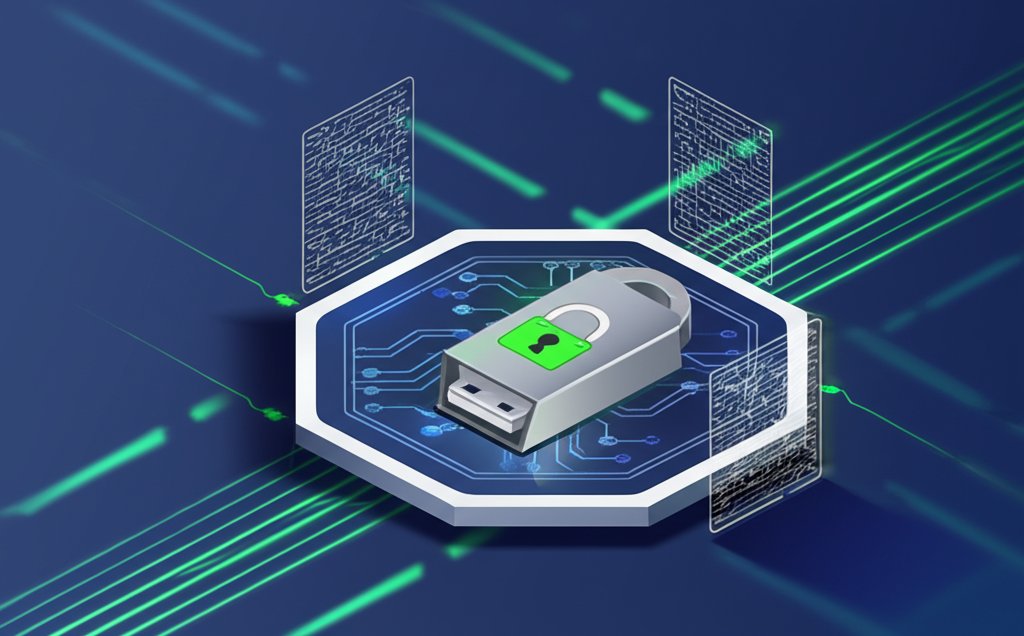
The digital wild west of cryptocurrency can feel exhilarating, yet the constant chatter of exchange hacks and online wallet breaches casts a long shadow. For many, the nagging question remains: how do you truly protect your hard-earned digital assets from unseen threats? The answer often lies with a dedicated crypto USB drive, more accurately known as a hardware wallet. It's a physical fortress, designed to keep your most valuable digital possessions offline and out of reach of cybercriminals, acting as the ultimate guardian for your private keys.
At a Glance: Securing Your Digital Fortune
- Hardware Wallets are Key: Not just any USB drive; dedicated hardware wallets are engineered for crypto security.
- Offline by Design: Your private keys stay offline, making them impenetrable to remote hacks.
- Your Seed Phrase is Your Master Key: Securely back up your recovery phrase offline—it's the only way to restore assets if your device is lost or damaged.
- Physical Protection Matters: Treat your crypto USB drive and its backups with the same care as physical cash or gold.
- User Vigilance is Crucial: No tech can fully protect you from social engineering, phishing, or poor personal security habits.
Why a Physical Key? The Core of Crypto USB Drive Security
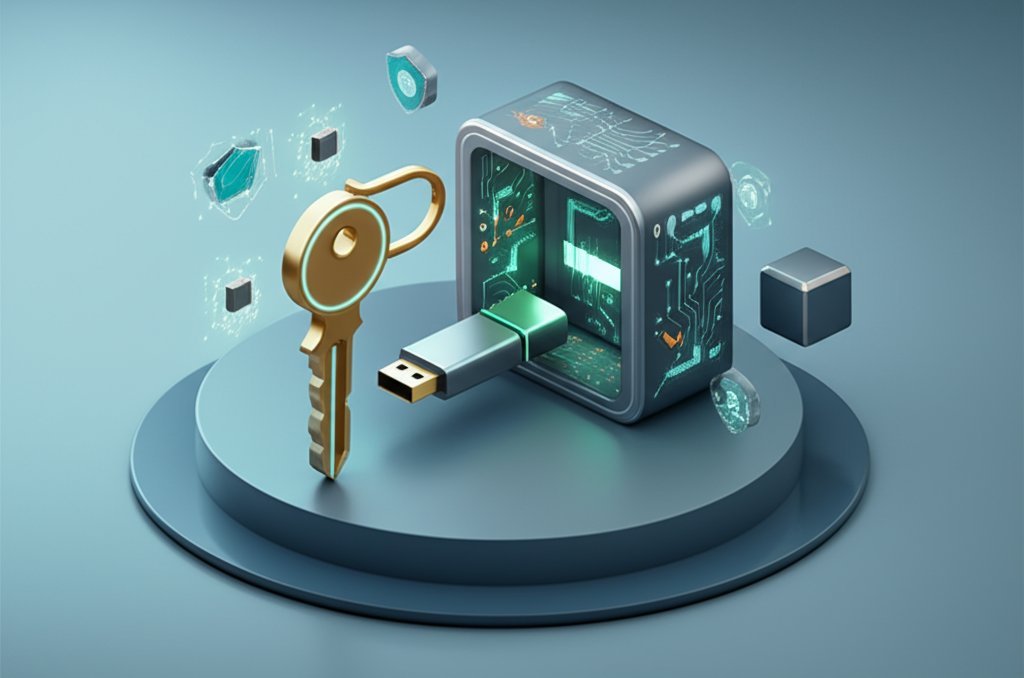
The fundamental principle behind a crypto USB drive's security is deceptively simple: isolation. Unlike software wallets on your computer or mobile device, which are perpetually connected to the internet (and thus, potential threats), a hardware wallet generates and stores your private keys in an isolated, secure chip. This crucial separation means your private keys—the secret codes that prove ownership of your cryptocurrency—never touch an internet-connected environment.
When you want to send crypto, your hardware wallet signs the transaction internally without exposing the private key to your computer's potentially compromised operating system. It then sends only the signed transaction data back to your computer to be broadcast to the blockchain. This genius of keeping the signing process offline is what thwarts keyloggers, malware, and remote hacking attempts. This approach is central to the overall strategy of USB crypto cold storage, offering a robust defense against common digital threats.
Hardware Wallets: The Gold Standard for Crypto USB Drives

When we talk about a "crypto USB drive," we're almost always referring to a hardware wallet. It's critical to understand that simply putting your wallet's private keys or software on a generic USB flash drive does not provide the same level of security. While a regular USB stick offers cold storage (offline), it lacks the specialized security features that make hardware wallets superior.
Dedicated hardware wallets, like those from Ledger or Trezor, are purpose-built with several layers of defense:
- Secure Element (SE) Chips: These are tamper-resistant microcontrollers designed to withstand sophisticated physical and logical attacks. Similar to the chips in credit cards or passports, they generate and store your private keys in an environment that is extremely difficult to penetrate.
- Isolated Operating System: Hardware wallets run their own minimalist, proprietary operating systems, reducing the attack surface compared to a general-purpose computer OS. This bespoke firmware is rigorously tested and often open-source for community scrutiny.
- Physical Confirmation: Transactions initiated on your computer require physical confirmation on the device itself—usually by pressing a button. This prevents malicious software on your computer from initiating unauthorized transfers without your explicit consent. Imagine a hacker trying to steal your funds, only to be stopped by the need to physically press "confirm" on the device they can't access.
- PIN Protection and Auto-Wipe: Access to the device is secured by a PIN. Multiple incorrect attempts often trigger an auto-wipe feature, resetting the device and making it useless to a thief, while your funds remain safe and recoverable via your seed phrase.
- Tamper-Evident Packaging: Reputable hardware wallets often come with seals or unique packaging designed to show if the device has been opened or tampered with before it reaches you. Always inspect these closely upon arrival.
These combined features create a formidable barrier, making hardware wallets the preferred choice for serious crypto investors seeking maximum security for their digital assets.
Beyond the Device: Your Role in Securing Your Crypto USB Drive
Even the most advanced crypto USB drive is only as secure as the user operating it. Your actions and diligence are paramount. The "human factor" is often the weakest link in any security chain.
The Immutable Truth of the Recovery Phrase
This is the single most critical piece of information related to your crypto assets. Also known as a "seed phrase" or "mnemonic phrase," it's typically a sequence of 12, 18, or 24 words generated by your hardware wallet during setup. It acts as the master key to all your cryptocurrency funds stored on that device.
- Offline Storage is Non-Negotiable: Write down your recovery phrase on paper or engrave it on metal. Never store it digitally—no screenshots, no photos, no text files, no cloud storage. A digital copy, even on an encrypted drive, creates a potential attack vector.
- Multiple, Separate Locations: Store copies of your recovery phrase in at least two, preferably three, physically separate and secure locations. Think fireproof safes, secure deposit boxes, or trusted family members' homes. This guards against loss due to fire, theft, or natural disaster.
- Secrecy and Veracity: Ensure no one else knows your recovery phrase. When writing it down, double-check every word and its order. A single misspelled or misplaced word can render your funds irrecoverable.
Case Snippet: A user proudly showed off their new hardware wallet on social media, oblivious that their recovery phrase, hastily scrawled on a sticky note, was visible in the background. Within hours, their funds were drained. The takeaway: physical security of your recovery phrase is as important as the digital security of the device.
Strong Passwords and PINs
Your hardware wallet will require a PIN to access it. Choose a strong, unique PIN that's not easily guessed (avoid birthdays, "1234," or repeating digits). Some wallets allow alphanumeric passwords for extra complexity.
- Avoid Common Patterns: Don't use sequential numbers, repeated digits, or obvious personal information.
- Change Regularly (Optional): While not strictly necessary for hardware wallets (as the device itself is secure), changing your PIN periodically adds another layer of mental hygiene.
Physical Security of the Device
While your funds are protected by your recovery phrase if the device is lost, losing the device itself is an inconvenience you want to avoid.
- Keep it Secure: Store your crypto USB drive in a secure place when not in use—a locked drawer, a safe, or a designated spot where it won't be easily misplaced or stolen.
- Travel Smart: If you travel with your hardware wallet, keep it on your person. Avoid checking it in luggage. Consider using a small, discreet carrying case.
- Beware of Supply Chain Attacks: Always purchase hardware wallets directly from the manufacturer or an authorized reseller. Buying from third-party sites like eBay or Amazon marketplace increases the risk of receiving a tampered device.
A Practical Guide to Using Your Crypto USB Drive Securely
Implementing a crypto USB drive into your asset management strategy involves a few key steps. Following these carefully ensures maximum security.
1. Choosing Your Crypto USB Drive (Hardware Wallet) Wisely
Not all hardware wallets are created equal. Research is key:
- Reputation and History: Stick with established brands like Ledger, Trezor, or Coldcard, which have proven track records and robust security architectures.
- Supported Cryptocurrencies: Ensure the wallet supports all the cryptocurrencies you plan to store. Most major wallets support a wide range of assets, but niche coins might require specific devices.
- User Interface and Ease of Use: A wallet that's intuitive to use will reduce the chance of user error. Most modern hardware wallets pair with desktop or mobile apps for easy management.
- Security Features: Look for secure element chips, open-source firmware (if that's important to you), tamper-evident packaging, and physical transaction confirmation.
- OS Compatibility: Confirm the device is compatible with your computer's operating system (Windows, macOS, Linux).
2. Initial Setup & Seed Phrase Generation
This is the most critical phase. Do not rush.
- Connect to a Trusted Computer: Use a computer you trust, ideally one with up-to-date antivirus and minimal other software.
- Install Manufacturer Software: Download and install the official companion software or app from the hardware wallet manufacturer's website. Do not use third-party links.
- Initialize Device: Follow the on-screen prompts to initialize your new device. This will involve setting a PIN and generating your recovery phrase.
- Generate and Record Recovery Phrase:
- The device will display a sequence of words (e.g., 12 or 24).
- Crucially, write these down manually on the provided recovery sheets (or durable alternatives like metal plates). Do not type them into any device.
- Double-check every word for spelling and order. Miswriting even one word could mean permanent loss of funds.
- Confirm the phrase on the device if prompted.
- Store these written copies immediately in your secure, offline locations.
3. Transferring Your Assets to the Crypto USB Drive
Once your hardware wallet is set up and your recovery phrase is secured, you can transfer funds.
- Connect and Unlock: Plug your crypto USB drive into your computer and unlock it with your PIN.
- Open Wallet Software: Launch the companion application and navigate to the coin you wish to receive.
- Generate Receiving Address: The software will display a unique receiving address for your cryptocurrency (e.g., a Bitcoin address, an Ethereum address).
- Verify Address: Always verify the receiving address displayed on your computer screen with the address displayed on the hardware wallet's screen. Malware can sometimes swap addresses on your computer. This step is paramount.
- Initiate Transfer: Go to your current exchange or software wallet where your crypto is held and initiate a transfer to the verified receiving address.
- Send a Small Test Transaction: For significant amounts, consider sending a very small "test" transaction first. Once confirmed on the blockchain, you can send the rest.
- Disconnect Safely: After the transaction is confirmed on the blockchain, safely disconnect your hardware wallet.
4. Accessing and Transacting with Your Secured Crypto
When you need to view your balance or make a transaction:
- Connect and Authenticate: Plug in your crypto USB drive and enter your PIN.
- Open Software: Launch the companion app to view your balances.
- Initiate Transaction: If sending, enter the recipient's address and the amount.
- Confirm on Device: The hardware wallet will display the transaction details (recipient address, amount, fees) on its small screen. Verify these details exactly against what's shown on your computer.
- Physical Approval: Confirm the transaction by pressing a button(s) on the hardware wallet itself. This physical confirmation is the final security gate.
- Disconnect: Safely disconnect your device once the transaction is broadcast.
Common Pitfalls and How to Avoid Them
- Losing or Compromising Your Recovery Phrase: This is the number one cause of lost crypto. Solution: Store offline in multiple, secure, discrete locations. Never photograph or digitize it.
- Buying from Unofficial Sources: Purchasing a used or third-party hardware wallet increases the risk of receiving a tampered device. Solution: Buy directly from the manufacturer or an authorized, reputable reseller.
- Falling for Phishing/Malware: Malicious websites or software can trick you into revealing your recovery phrase or approving fraudulent transactions. Solution: Always verify URLs, download software only from official sites, and double-check all transaction details on the hardware wallet's screen.
- Using a Generic USB Flash Drive for Keys: While it’s "cold storage," a regular USB stick lacks the secure element, isolated OS, and physical verification of a hardware wallet. If a generic USB is plugged into a compromised computer, its contents (your private keys) are vulnerable. Solution: Invest in a dedicated hardware wallet.
- Not Updating Firmware: Hardware wallet manufacturers regularly release firmware updates to patch vulnerabilities and add new features. Solution: Periodically check for and apply official firmware updates, always following the manufacturer's instructions precisely.
- Ignoring Tamper-Evident Seals: When you receive a new hardware wallet, always inspect the packaging for any signs of tampering. Solution: If seals are broken or packaging looks suspicious, do not use the device and contact the manufacturer immediately.
Quick Answers: Demystifying Crypto USB Drive Security
Q: Can a crypto USB drive be hacked?
A: A properly used hardware wallet (crypto USB drive) is highly resistant to remote hacking because your private keys never leave the secure chip and never touch the internet. The primary vulnerabilities lie in user error (e.g., compromising your recovery phrase, falling for phishing scams, or buying a pre-tampered device).
Q: What if I lose my crypto USB drive or it gets damaged?
A: Your funds are safe as long as you have your recovery phrase securely stored. You can purchase a new hardware wallet, use your recovery phrase to restore your wallet, and regain access to all your assets. The device itself is just an access tool; the recovery phrase is the true key.
Q: Is a regular USB drive good enough for storing crypto?
A: No, not for secure cold storage. While you can put a software wallet's private keys or seed phrase on a regular USB drive and keep it offline, it lacks the specialized secure element, isolated operating system, and physical transaction verification features of a dedicated hardware wallet. A regular USB offers offline storage but not the same level of cryptographic security or tamper resistance.
Q: How do firmware updates affect security?
A: Firmware updates are crucial. They often contain security patches, bug fixes, and improvements to the device's functionality. It's important to keep your hardware wallet's firmware up to date, always downloading updates directly from the manufacturer's official website or through their official companion app.
Q: Can someone force me to reveal my PIN or recovery phrase?
A: This is a social engineering or physical threat. No technology can fully protect against coercion. This underscores the need for secure physical storage of your device and recovery phrase, and remaining vigilant against all forms of attack, both digital and physical.
Your Secure Cold Storage Playbook
Adopting a crypto USB drive (hardware wallet) is a definitive step towards securing your digital assets. It moves your private keys from the volatile online realm to a fortified offline environment. However, this robust technology is only as strong as your commitment to best practices.
Before You Buy:
- Research reputable brands (Ledger, Trezor, Coldcard).
- Check supported cryptocurrencies.
- Buy only from the official manufacturer or authorized resellers.
During Setup: - Use a clean, trusted computer.
- Generate and manually write down your recovery phrase on paper/metal.
- Never digitize your recovery phrase.
- Store recovery phrase copies in 2-3 separate, physically secure, offline locations.
- Set a strong, unique PIN.
When Transacting: - Always verify receiving/sending addresses on the hardware wallet's screen.
- Physically confirm all transactions on the device.
Ongoing Security: - Keep your hardware wallet's firmware updated.
- Store the device itself in a secure location when not in use.
- Stay informed about security best practices and potential threats.
By treating your crypto USB drive as the critical piece of security hardware it is, and diligently following these guidelines, you empower yourself to safely navigate the exciting world of digital currency, knowing your assets are truly secured.